
Deploying on AWS is incredibly powerful, but it comes with a well-known side effect: pricing complexity. Between EC2 instances, serverless functions, database storage, and data transfer fees, calculating your monthly bill can feel like doing advanced calculus in the dark.
If you are building modern applications—especially resource-heavy AI or LLM-powered software—unmonitored cloud costs will quickly eat your margins.
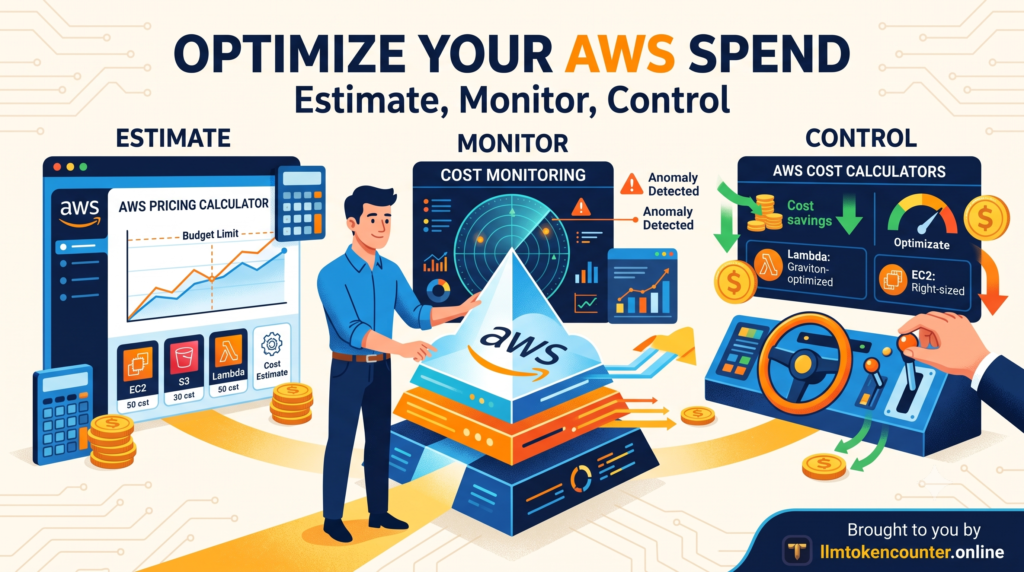
To keep your infrastructure lean and your budget predictable, you need to transition from “guesstimating” to actively engineering your costs. Here is a practical roadmap to help you estimate, monitor, and control your AWS spend.
1. Estimate Before You Build
The best way to avoid a surprise four-digit bill is to model your architecture’s cost before writing a single line of infrastructure-as-code.
If you are setting up a multi-service architecture, start by mapping out your expected traffic and data storage. You can use an interactive AWS Pricing Calculator to model different configurations. This lets you input your expected compute hours, storage sizes, and data transfer rates to see an instant breakdown of your projected monthly spend.
For more granular, specialized workloads—like serverless Lambda functions, API Gateways, or specialized databases—a broader suite of AWS Cost Calculators will help you run the numbers. For example, serverless calculators automatically factor in the AWS Free Tier (like Lambda’s 1 million free requests per month), giving you an accurate baseline of what you will actually pay once your app goes live.
2. Implement Real-Time Monitoring
Estimation is only half the battle. Real-world traffic is rarely linear, and a sudden traffic spike or an infinite loop in your code can cause costs to balloon overnight.
You cannot afford to wait for your end-of-month invoice to find out you went over budget. Establishing a proactive AWS Cost Monitoring strategy is essential.
To build an effective monitoring setup:
- Set up AWS Budgets: Create custom budgets that alert you via email or Slack the moment your actual or forecasted spend exceeds your comfort zone.
- Enable Cost Anomaly Detection: AWS uses machine learning to identify unusual spend patterns (e.g., a sudden, unexplained spike in S3 data transfer) and alerts you before the bill gets out of hand.
- Use Resource Tagging: Tag your resources by project, environment (dev, staging, prod), or team. This allows you to filter your billing dashboard and pinpoint exactly which service is driving up costs.
3. Quick Wins to Lower Your AWS Spend
Once you have estimated your costs and set up monitoring, use these architectural best practices to keep your bill as low as possible:
- Rightsize Your Compute: Don’t default to over-provisioned EC2 instances. Monitor your actual CPU and memory utilization. If your instances consistently run under 20% utilization, scale them down to a smaller instance size.
- Leverage Graviton Processors: Whenever possible, run your workloads (EC2, RDS, Lambda) on AWS Graviton (ARM-based) processors. They typically deliver up to 40% better price-performance compared to traditional x86 processors.
- Clean Up Orphaned Resources: Unattached EBS volumes, forgotten Elastic IPs, and old database snapshots sit in your account quietly accumulating charges. Regularly audit your console to terminate unused resources.
Final Thoughts
AWS pricing doesn’t have to be a black box. By taking a few minutes to run your architecture through a pricing calculator, setting up automated budget alerts, and keeping your resources rightsized, you can deploy with confidence and focus on building great software—not stressing over your next cloud bill.